




Kids Guard

Best QQ Parental Control for Android Phones

monitor kids' QQ with the best QQ parental control for Android

iKidsMonitor QQ parental control

All-in-One Parental Monitoring & Control App

Free Plan Available

tvit.png
volicity-9.png
fox-hub-2.png
towers.png
lighting.png

Keep Kids Safe on QQ with QQ parental control

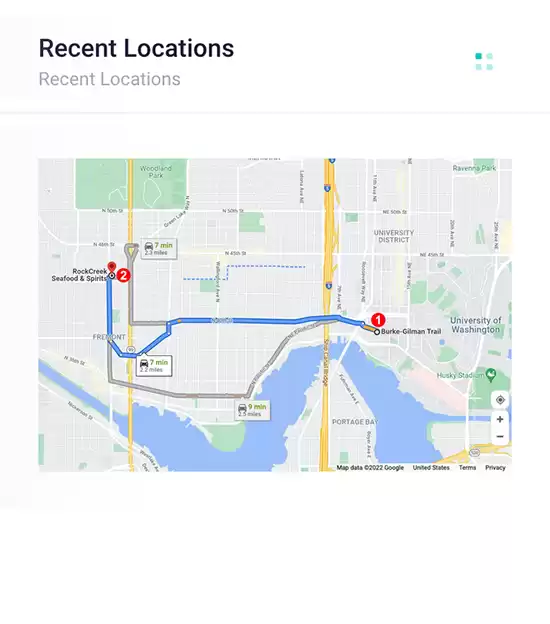
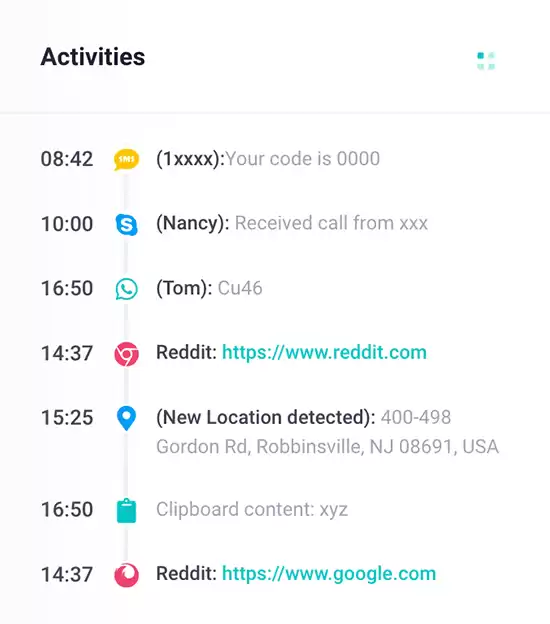
iKidsMonitor is the best QQ parental control for Android, allowing you to monitor QQ chats, calls, photos, and screenshots of all QQ activities.

Teens in CYBER-BULLYING
50 %

Add alert words to detect cyberbullying
65% of teens have been involved in a cyberbullying incident.

Crimes from Social Media
67 %

Monitor chat messages on social media App
95% of sex crimes involving a minor are initiated from social media.

Children Leak Privacy
60 %

Block inappropriate Apps
75% of children share personal information about themselves and their families online.

All-in-One QQ Parental Control Features You Need

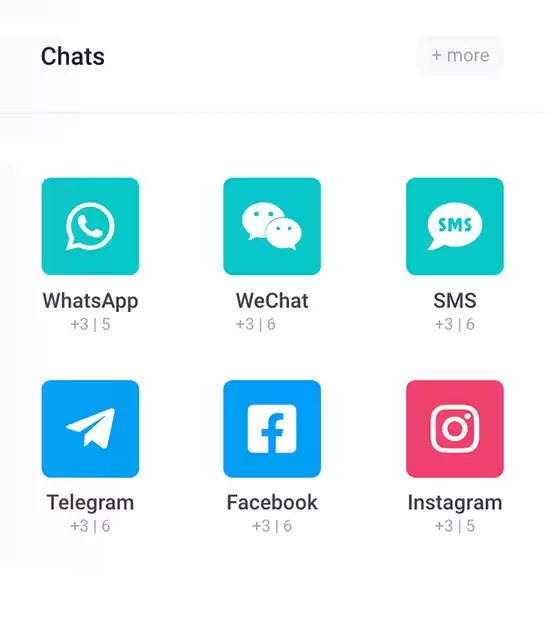
The iKidsMonitor QQ parental control is designed to help you monitor your children's QQ activity on their Android phones. With Kids Guard, you can easily track QQ chats, calls, photos, and even capture screenshots of all interactions. This allows you to know who your children are talking to and what they’re discussing. By keeping an eye on their conversations, you can spot any potential risks, such as interactions with strangers or inappropriate content, and take action to ensure their online safety.

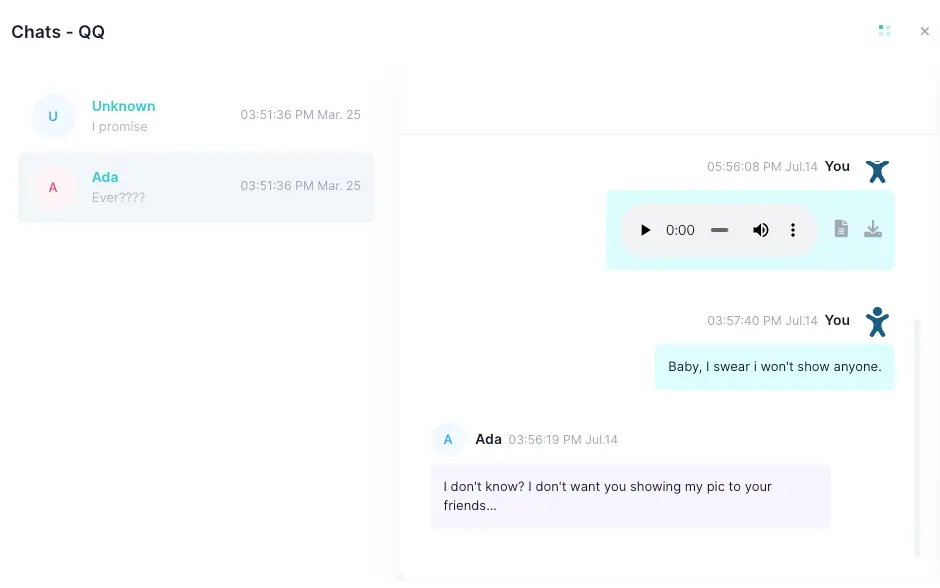
monitor QQ Text Messages

monitor sent and received QQ text messages.

monitor QQ Voice Messages

monitor QQ voice messages and transcribe them into text for easier viewing.

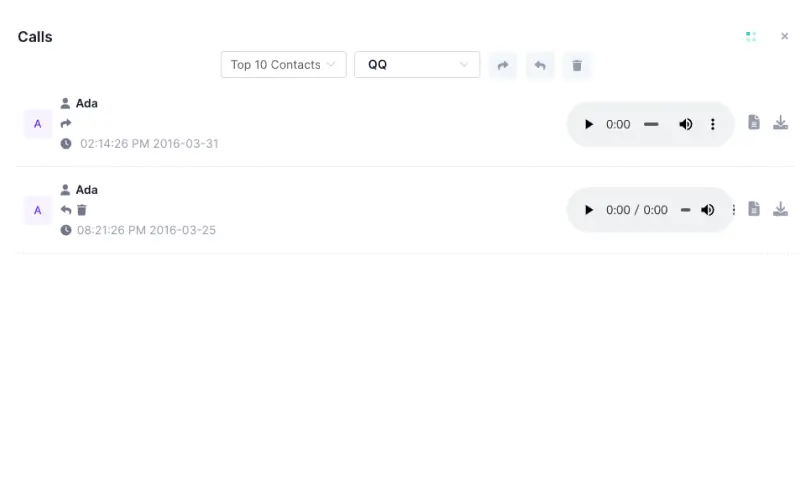
Record QQ Calls

Automatically record incoming and outgoing QQ calls.

All-in-one Parental Control App for Android/iOs

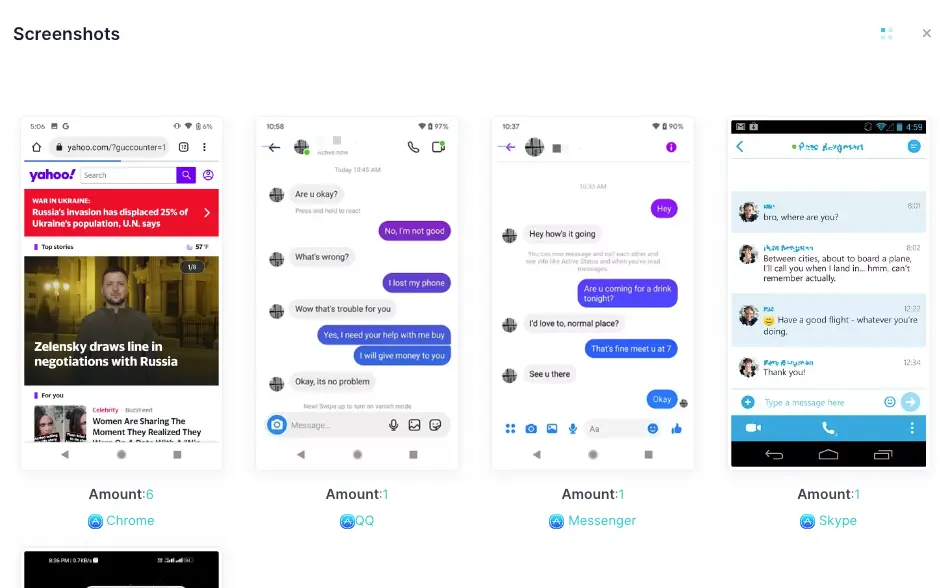
Capture Screenshots on QQ

Automatically capture screenshots of everything that happened on QQ.

Remotely Monitor QQ Photos

Monitor pictures and photos shared on QQ.

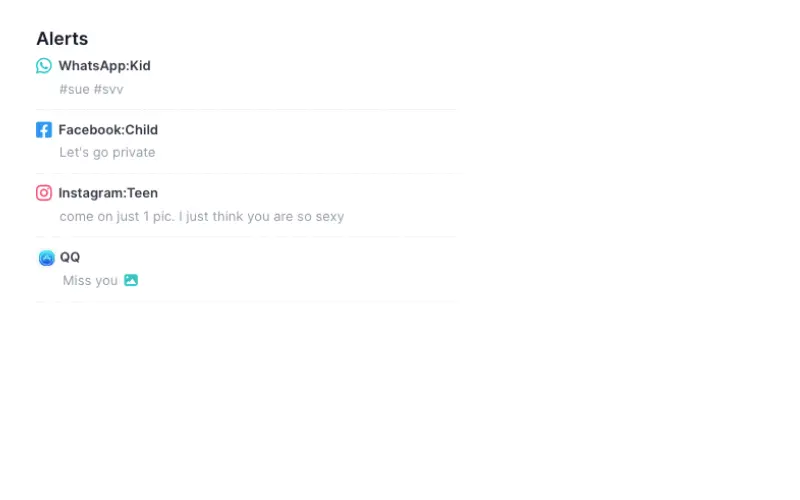
Alert on Inappropriate Content

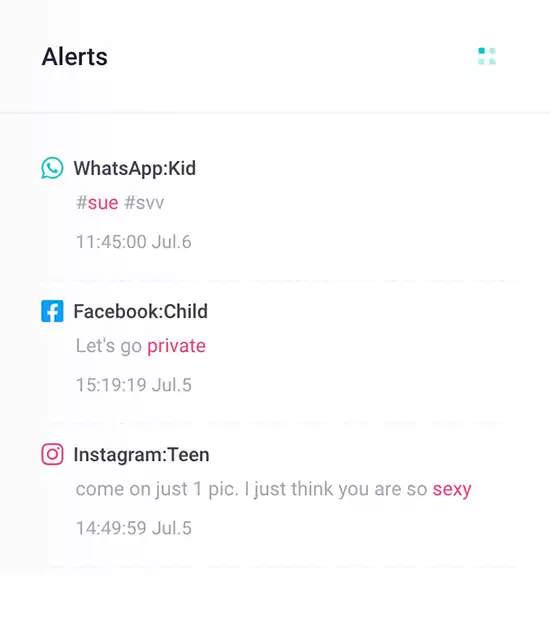
Set keyword alerts and receive instant alerts when specified keywords are detected in QQ.

monitor QQ Text Messages

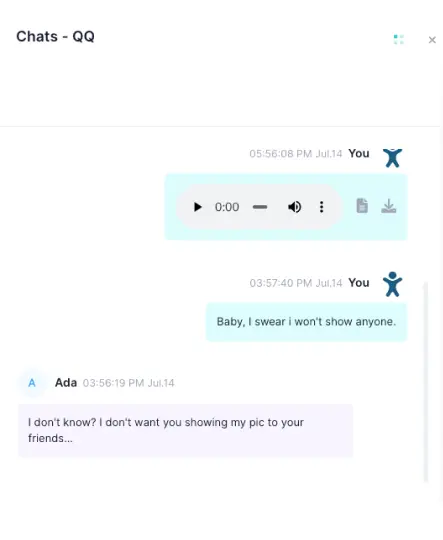
iKidsMonitor lets you monitor the QQ text messages sent and received on your children's Android phones, including message content, sender and receiver details, and timestamps. By tracking their QQ conversations, you can quickly identify if they are exposed to cyberbullying or communicating with inappropriate people.

monitor QQ Voice Messages

As the best QQ parental control for Android, iKidsMonitor allows you to monitor all QQ voice messages your children send and receive. Its unique transcription feature converts voice messages into text, making it easier for you to review the content without having to listen to each voice message repeatedly.

Automatically Record QQ Calls

iKidsMonitor automatically records incoming and outgoing QQ calls on your children's Android phones. By monitoring these calls, you can identify potential risks, such as interactions with malicious individuals. If you suspect they are being targeted by online scammers, sexual predators, or experiencing cyberbullying, you can take immediate action to prevent them from harm.

Automatically Capture Screenshots on QQ

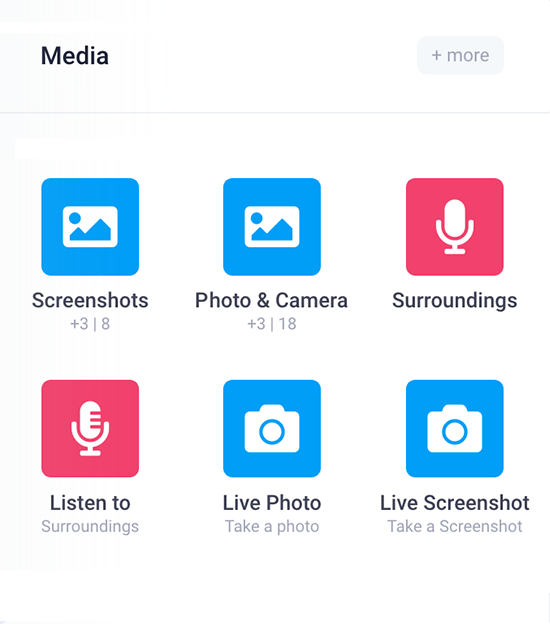
iKidsMonitor is the best QQ parental control for Android phones. It lets you capture QQ screenshots on your children's devices, including messages, voice/video calls, videos, and contact details. You can remotely view these screenshots on your secure cloud panel via any browser on any device.

monitor QQ photos with QQ parental control

Remotely Monitor QQ Photos

iKidsMonitor allows you to remotely monitor QQ photos and pictures, including those that have been deleted. If any images contain inappropriate content, such as pornography or violence, you can take immediate action to safeguard your child's online safety.

Alert on Inappropriate QQ Content

iKidsMonitor is the best QQ parental control for parental control. It allows you to add prohibited words related to inappropriate activities, such as gambling, pornography, violence, cyberbullying, and predators, on your cloud panel. If any of these keywords are detected in your children's QQ messages, you'll receive an instant notification via email and push notification.

get QQ alert with QQ parental control
Full Features Showcase

Instant Feature Tour

Monitoring QQ in 3 Easy Steps

Installing and using iKidsMonitor QQ Parental Control App is simple. Once installed on the target Android phone, the app automatically uploads all recorded activity to a secure cloud panel. You can log into your account at any time to remotely monitor your children's QQ activity.

STEP TWO

LOG IN to the Cloud Panel to download Kids Guard.

STEP THREE

View the logged data on the cloud panel. Control kid's device remotely.

100 Million Users Love iKidsMonitor QQ parental control

Best parental control to Monitor QQ Activity

The online world can be dangerous, and I want to protect my children from predators, cyberbullying, and other harmful activities. This is why I use the iKidsMonitor parental control to monitor QQ activity, especially to track their chat messages and browsing history. It's great value for the peace of mind it provides—I'm really impressed!

Stephanie Rice
A Mother
Best QQ parental control

I’ve been using the iKidsMonitor QQ parental control to monitor my child’s online activity, and it’s been incredibly helpful. It tracks all QQ messages, including deleted ones, which gives me peace of mind about his interactions. I highly recommend it to all parents in need.

Alex Mutter
Expert
Ensure Kids’ Online Safety

As a dad of a 13-year-old, I often wonder what my child is doing, both online and in the real world. Since using the iKidsMonitor QQ monitoring app for Android, I can easily view his QQ chat history, which gives me the clarity I need. With Kids Guard, I feel more in control and better prepared to protect my child from online risks.

Elenor Kamins
A Father

Frequently Asked Questions

Checkout the FAQs of iKidsMonitor Parental Control App.

Yes, you’ll need physical access to the target device to install Kids Guard. Just unlock the device using its password or passcode and follow the installation steps.

Yes, iKidsMonitor works with all modern Android phones and tablets, regardless of brand or Android version.

Yes, iKidsMonitor is the best free QQ parental control for Android phones that offers a basic plan to monitor QQ for free.

Yes. iKidsMonitor records deleted QQ messages after installation of the iKidsMonitor App. It cannot log messages deleted before installation.

No, iKidsMonitor provides full functionality on target Android phones without requiring rooting.

To install Kids Guard, you need physical access to the device. Monitoring cannot be set up with just a phone number, IMEI, or serial number.

Start from Free →

Start from the free full plan. When signup, you will a 3-day Free Full Plan. After thant you can choose a Free basic plan or keep the full plan.

Your data is Safe →

We won't share your data to any 3-rd party. Your data is stored on a secure cloud server. You can export or delete your data anytime.

Ready to get started?

Sign up Free Now - No credit card required.