




Kids Guard

Best Cell Phone Parental Control for Android Phones

monitor kids' phones with the best cell phone parental control for Android

iKidsMonitor Cell Phone parental control

All-in-One Parental Monitoring & Control App

Free Plan Available

tvit.png
volicity-9.png
fox-hub-2.png
towers.png
lighting.png

Keep Kids Safe Online with Cell Phone parental control

iKidsMonitor is the best cell phone parental control for Android, allowing you to monitor all phone activities, including text messages, calls, web browsing history, and chat messages on WhatsApp, WeChat, Snapchat, and more.

Teens in CYBER-BULLYING
50 %

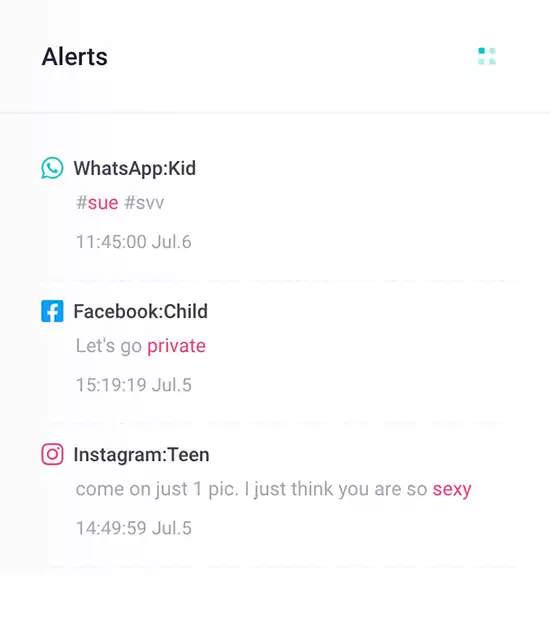
Add alert words to detect cyberbullying
65% of teens have been involved in a cyberbullying incident.

Crimes from Social Media
67 %

Monitor chat messages on social media App
95% of sex crimes involving a minor are initiated from social media.

Children Leak Privacy
60 %

Block inappropriate Apps
75% of children share personal information about themselves and their families online.

All-in-one Cell Phone Parental Control Features You Need

iKidsMonitor stands out as the best free cell phone parental control for monitoring your children's Android phones. It allows you to track SMS messages, phone calls, web history, and chat conversations on WhatsApp, WeChat, Instagram, and more. Additionally, you can set screen time limits, block unwanted apps or games, and even view the phone screen in real-time. These features protect your kids from cyberbullying, sexual predators, and other online threats.

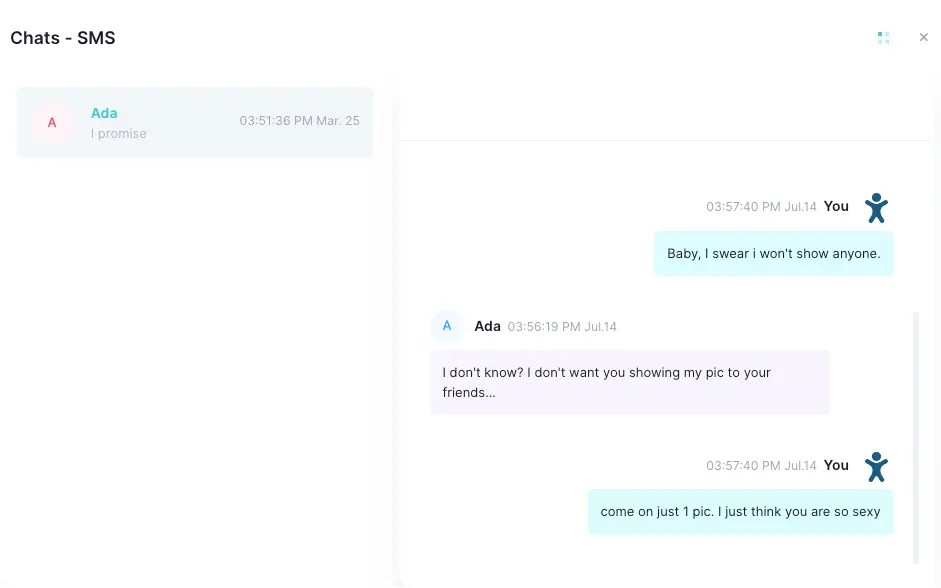
monitor SMS Text Messages

monitor sent and received SMS text messages.

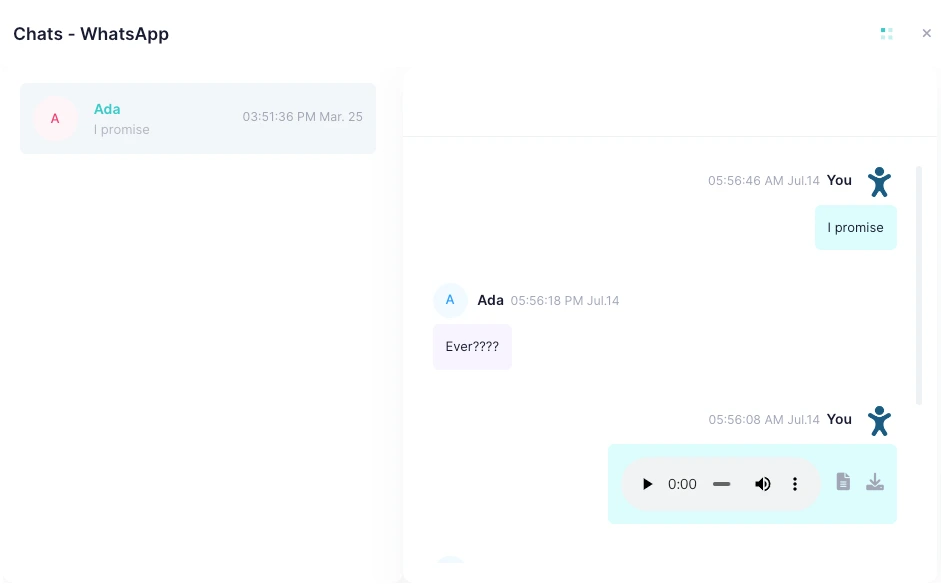
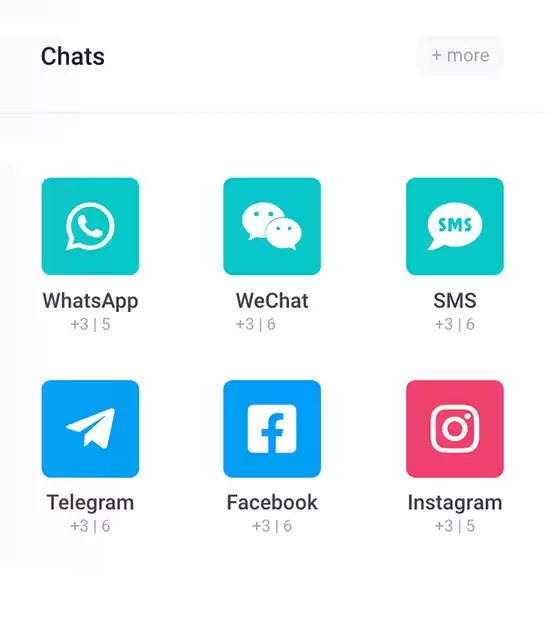
monitor Chat Messages

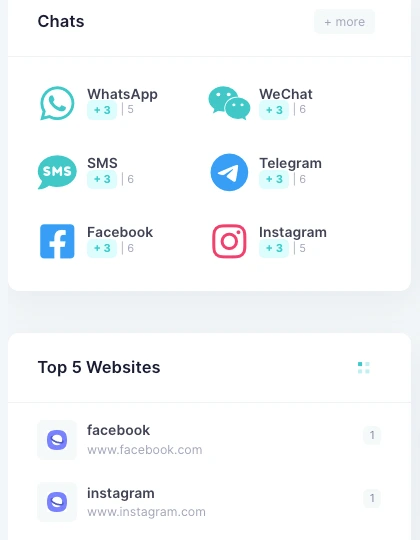
monitor chat messages on WhatsApp, WeChat, Snapchat, Tinder, and more.

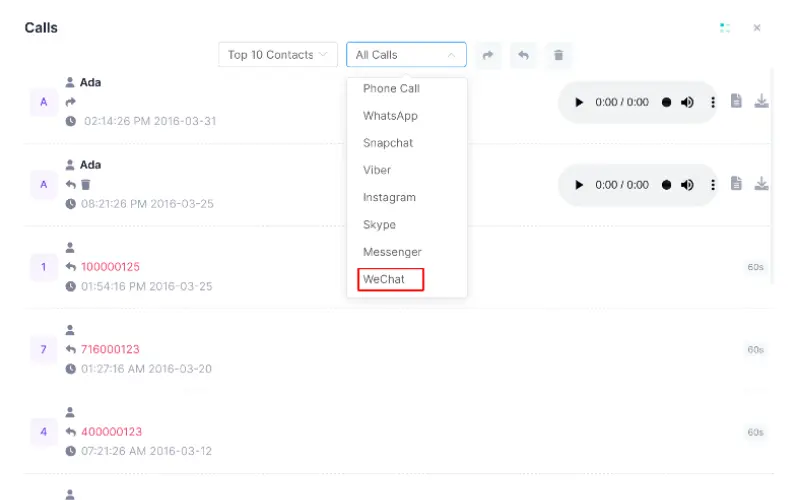
Record Cell Phone Calls and VOIP Calls

Automatically record regular cell phone calls and VoIP calls on various social media chat platforms.

All-in-one Parental Control App for Android/iOs

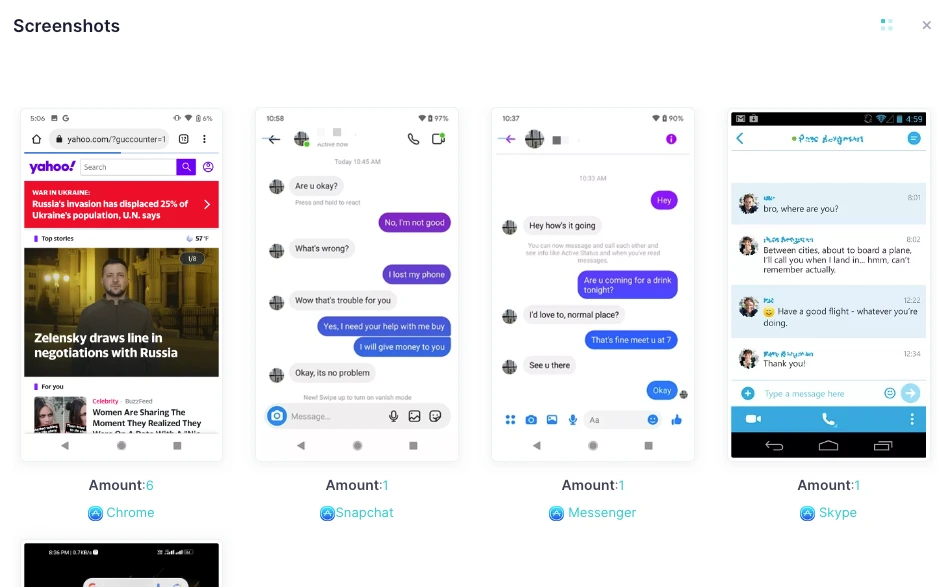
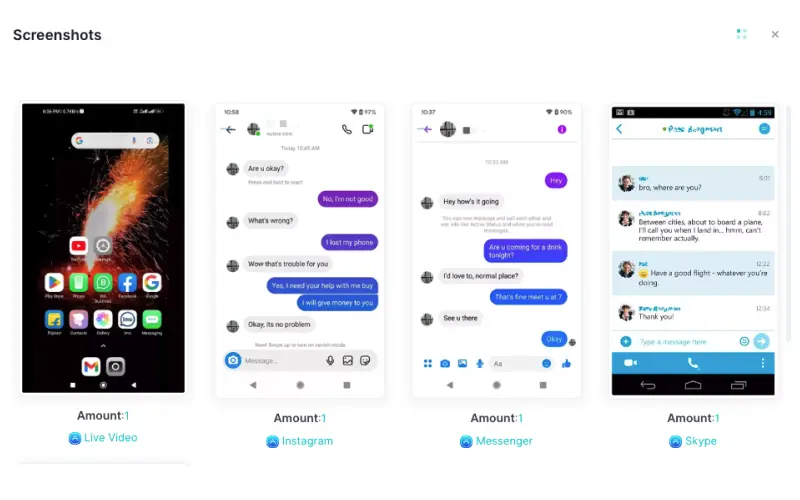
Capture Screenshots on Cell Phones

Regularly capture screenshots of all your children's cell phone activities.

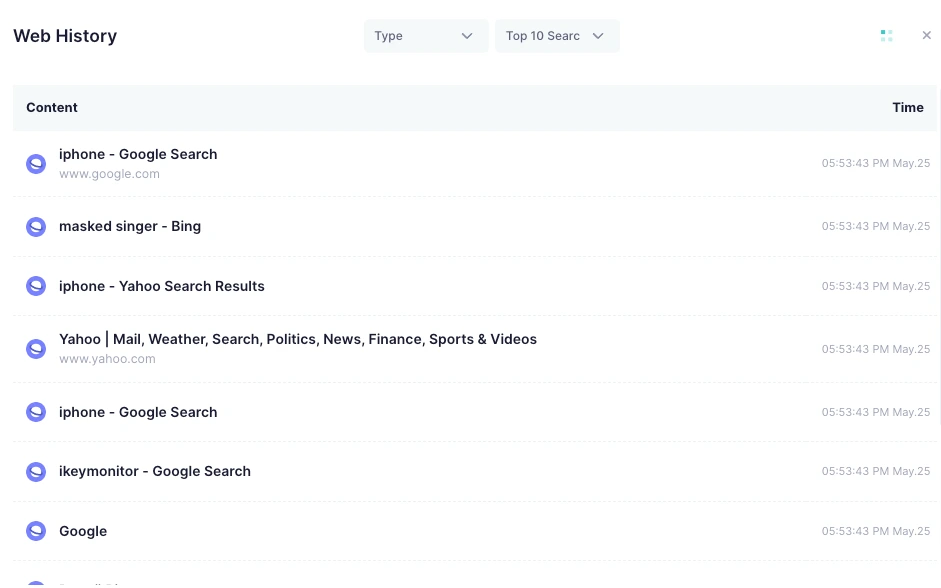
Remotely Track Web Browsing History

Remotely track web browsing history in Chrome, Firefox, Safari, and more.

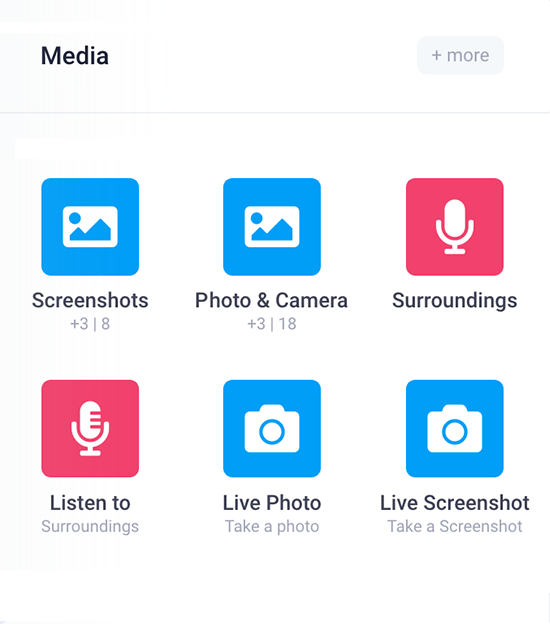
Remotely Record the Cell Phone Screen to Videos

Record your children's phone screen as a video remotely.

recover deleted text messages with Text monitoring app

monitor SMS Text Messages

As a free cell phone parental control, iKidsMonitor lets you monitor SMS text messages on your children's phones in detail. This includes the names and numbers of both senders and recipients. With Kids Guard, you can remotely monitor who your children are communicating with and what they're talking about, helping you understand their conversations better.

monitor Chat Messages on WhatsApp, WeChat, etc.

iKidsMonitor lets you remotely monitor chat conversations on WhatsApp, Facebook, WeChat, and more. It tracks text messages, voice messages, voice/video calls, and even deleted chats. With Kids Guard’s keyword alert feature, you can set keyword alerts and receive instant notifications whenever those keywords are detected in chat conversations.

monitor WhatsApp messages with WhatsApp parental control
WeChat Call Recording App for Android

Record Cell Phone Calls and VOIP Calls

The iKidsMonitor parental control for cell phones allows you to record both regular phone calls and VoIP calls on Android devices. This includes incoming and outgoing calls, as well as voice and video calls on WhatsApp, WeChat, Facebook, and more. iKidsMonitor also offers a unique feature that lets you transcribe calls into text, making it easy for you to review.

Capture Screenshots on Cell Phones

iKidsMonitor enables you to remotely capture screenshots of your children's cell phone activity, including text messages, phone calls, websites visited, chat messages, and more. It also automatically takes screenshots when your kids perform touch actions or when alert words are detected in keystrokes or app names.

capture Snapchat screenshots with with Snapchat parental control
track web browsing on android with Android parental control

Remotely Track Web Browsing History

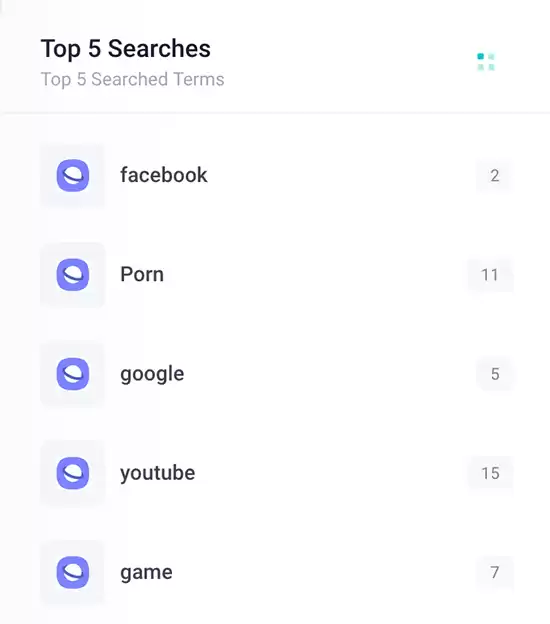
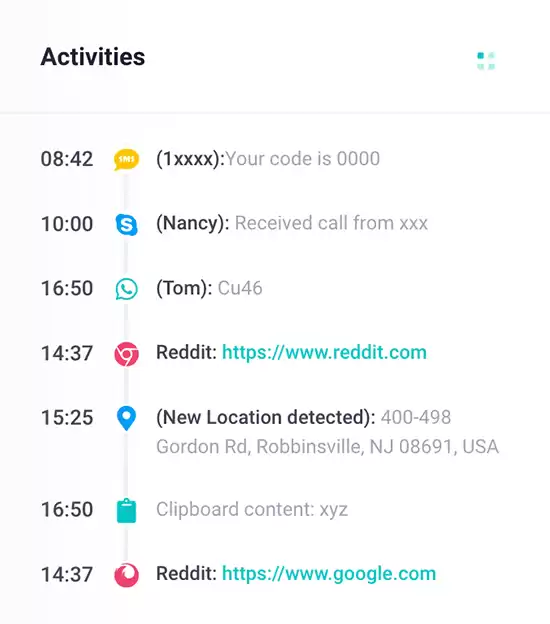
iKidsMonitor is the best cell phone parental control for Android. It allows you to remotely track your kids' web browsing history, including the title, URL, date, and time of each website visited. It also records browsing history even if Chrome is in private mode or the history has been deleted. Simply log into your Cpanel to view all recorded browsing activity.

Remotely Record the Cell Phone Screen to Videos

With the iKidsMonitor cell parental control, you can record everything your children do on their cell phones as a video, including text inputted, chat messages sent and received, photos and videos shared, and more. Then, you can review the saved screen videos to find the information you need.

Full Features Showcase

Instant Feature Tour

Monitoring Cell Phone in 3 Easy Steps

Installing iKidsMonitor Cell Phone Parental Control App is fast and straightforward. Once installed on the target Android phone, the app runs in the background and automatically uploads all recorded data to your online cloud panel. You can then log in to your account anytime to monitor your children's cell phone activities.

STEP TWO

LOG IN to the Cloud Panel to download Kids Guard.

STEP THREE

View the logged data on the cloud panel. Control kid's device remotely.

100 Million Users Love iKidsMonitor Cell Phone parental control

Best Cell Phone parental control for Android

I’m really impressed with the powerful monitoring features of the iKidsMonitor cell parental control Appfor Android. It lets me track my son’s text messages, calls, photos, and videos, so I can make sure he’s using his cell phone safely.

Stephanie Rice
A Mother
Best Cell Phone parental control

With Kids Guard, I can monitor my kids' social media activities without feeling too controlled. It lets me see what they're searching for online and who they're talking to, and I always know where they are. I am truly grateful for the best cell parental controllication that I have found.

Alex Mutter
Expert
Ensure Kids’ Online Safety

Lately, my daughter has been really down, and I noticed she’d cry every time she received a message. I started to get worried, so I installed Kids Guard cell parental control on her phone to see if I could figure out what was happening. After monitoring her chat history, I discovered her classmates were bullying her. I was heartbroken, but I immediately sent a screenshot to the school, and the principal helped me address the situation.

Elenor Kamins
A Father

Frequently Asked Questions

Checkout the FAQs of iKidsMonitor Parental Control App.

Yes, you’ll need physical access to the target device to install Kids Guard. Just unlock the device using its password or passcode and follow the installation steps.

Yes, iKidsMonitor works with all modern Android phones and tablets, regardless of brand or Android version.

No, you need physical access to the target device to install iKidsMonitor cell Parental Control App or obtain the two-factor authentication code.

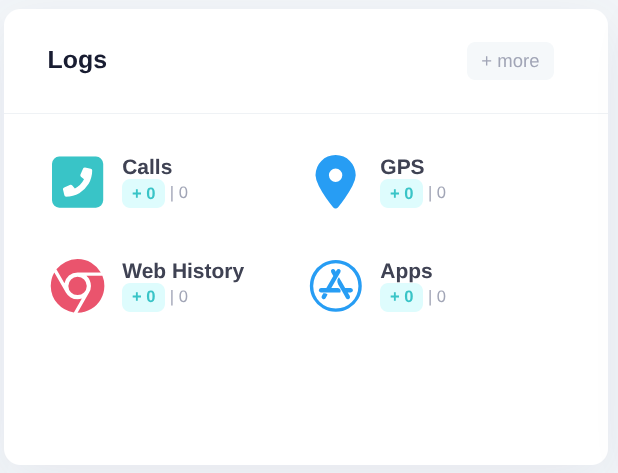
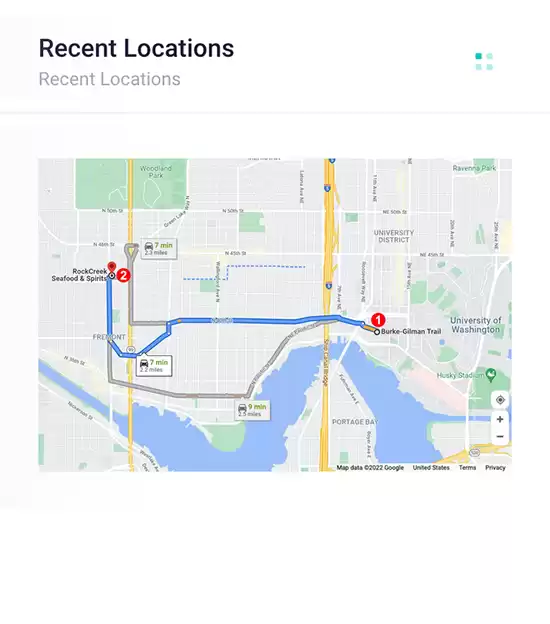
iKidsMonitor is the best parental control for cell phones that lets you remotely monitor devices for free. It runs quietly in the background, automatically recording SMS, phone calls, web history, GPS locations, and more.

No, iKidsMonitor provides full functionality on target Android phones without requiring rooting.

To install Kids Guard, you need physical access to the device. Monitoring cannot be set up with just a phone number, IMEI, or serial number.

Start from Free →

Start from the free full plan. When signup, you will a 3-day Free Full Plan. After thant you can choose a Free basic plan or keep the full plan.

Your data is Safe →

We won't share your data to any 3-rd party. Your data is stored on a secure cloud server. You can export or delete your data anytime.

Ready to get started?

Sign up Free Now - No credit card required.